- What are AR Cards?
- How they work (marker / WebAR)?
- Step by step Process:
- Use cases of AR Cards:
- Types AR Cards For Business Intent:
- Types AR Cards For personal intent:
- Key Benefits of Augmented Reality Cards?
- For Businesses:
- Example: AR flyer vs Regular Flyer (comparison)
- For consumers:
- Regular cards vs AR Greeting cards (Comparison)
- WebAR vs App-Based AR Cards
- WebAR vs App-based-AR (Comparison)
- Web-based tools you can use to create AR cards
Augmented Reality Cards (AR Cards): What They Are, How They Work + Exampless
Published on 1/9/2026
Quick Summary
Augmented reality cards (AR cards) are interactive printed cards that trigger immersive AR experiences when scanned with a smartphone blending digital visuals, animations, and 3D content with the physical world. This guide explains how AR cards work, their use cases, key benefits over traditional print, WebAR vs App-based AR, and tools used to create them.
What are AR Cards?
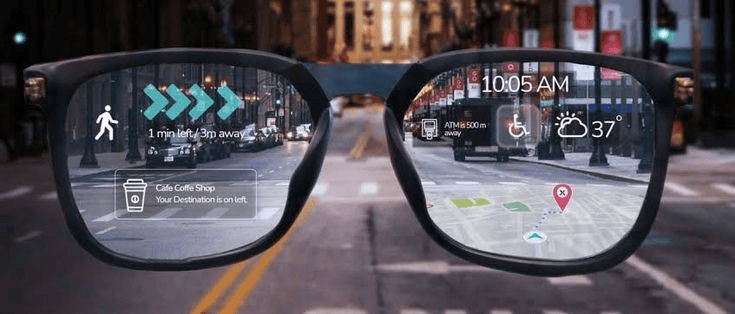
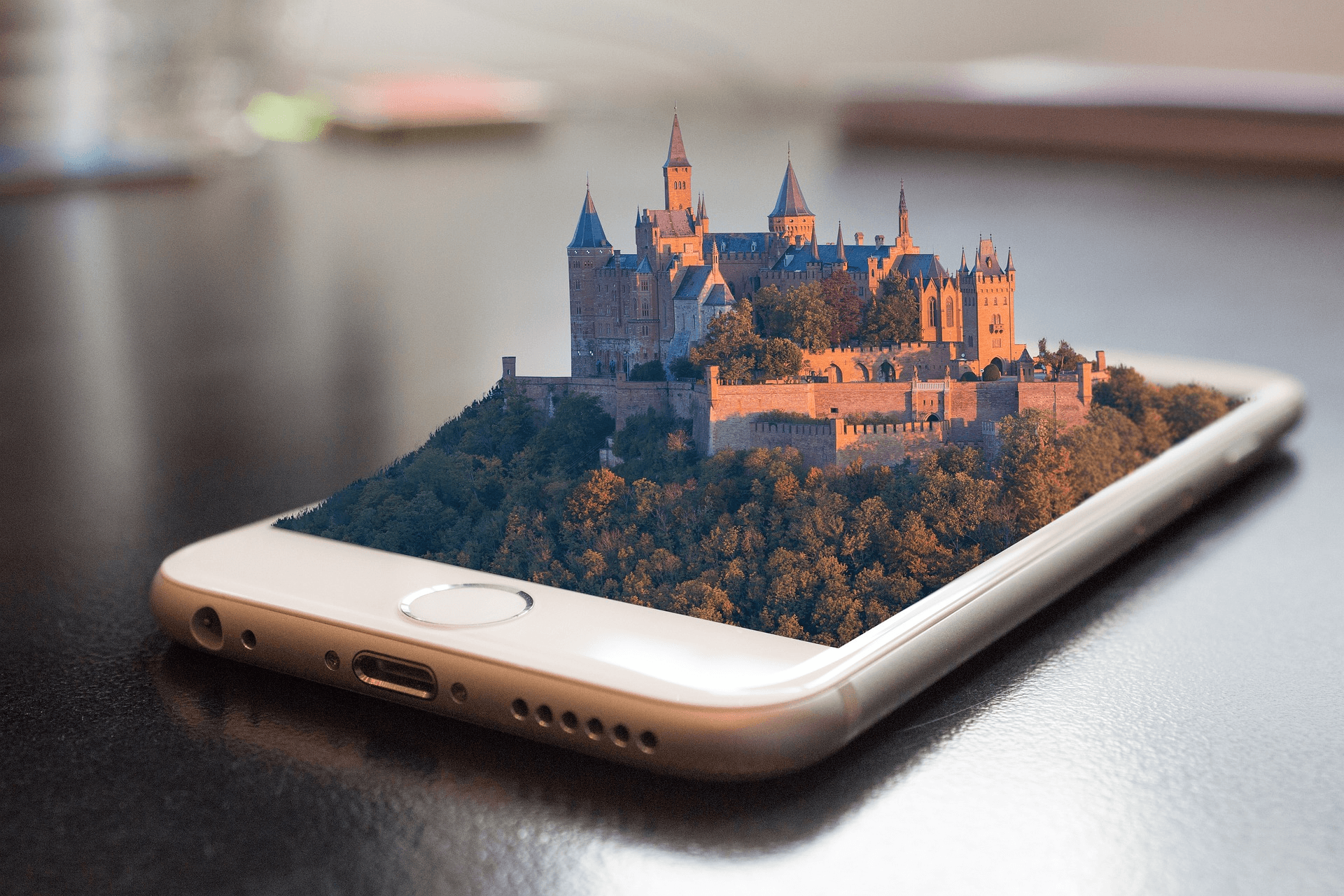
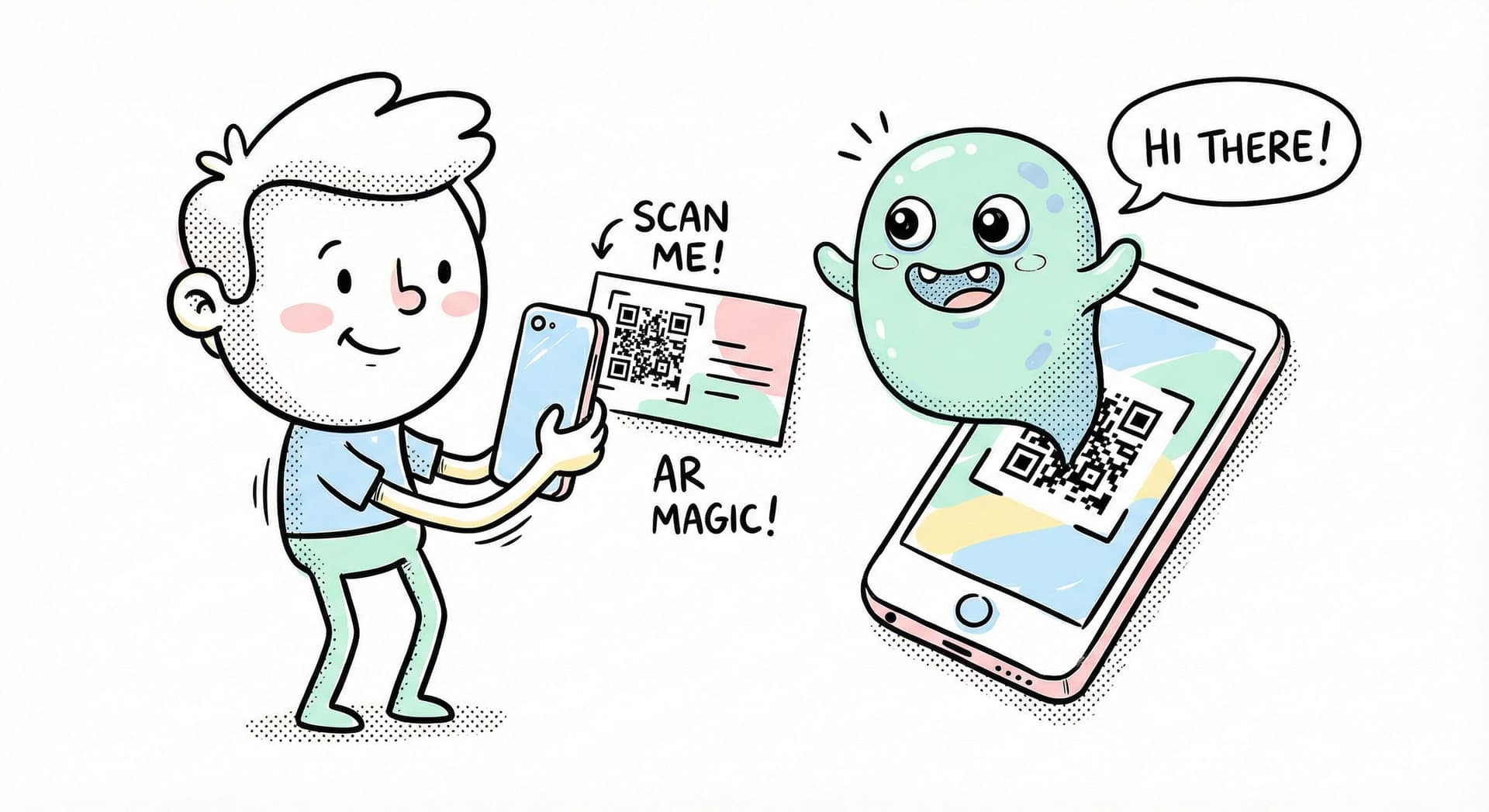
Augmented Reality cards (AR cards) are the new wave of products in print media across different sectors. They are physically printed cards, such as business cards, greeting cards, invitations or posters that are integrated with digital content or 3D experiences.
These 3D cards generally play Scenes when an image trigger is scanned using a smart phone (either through an app or a browser).
How they work (marker / WebAR)?
AR cards work through a combination of image recognition, QR codes, web based or App based toolkits
Step by step Process:
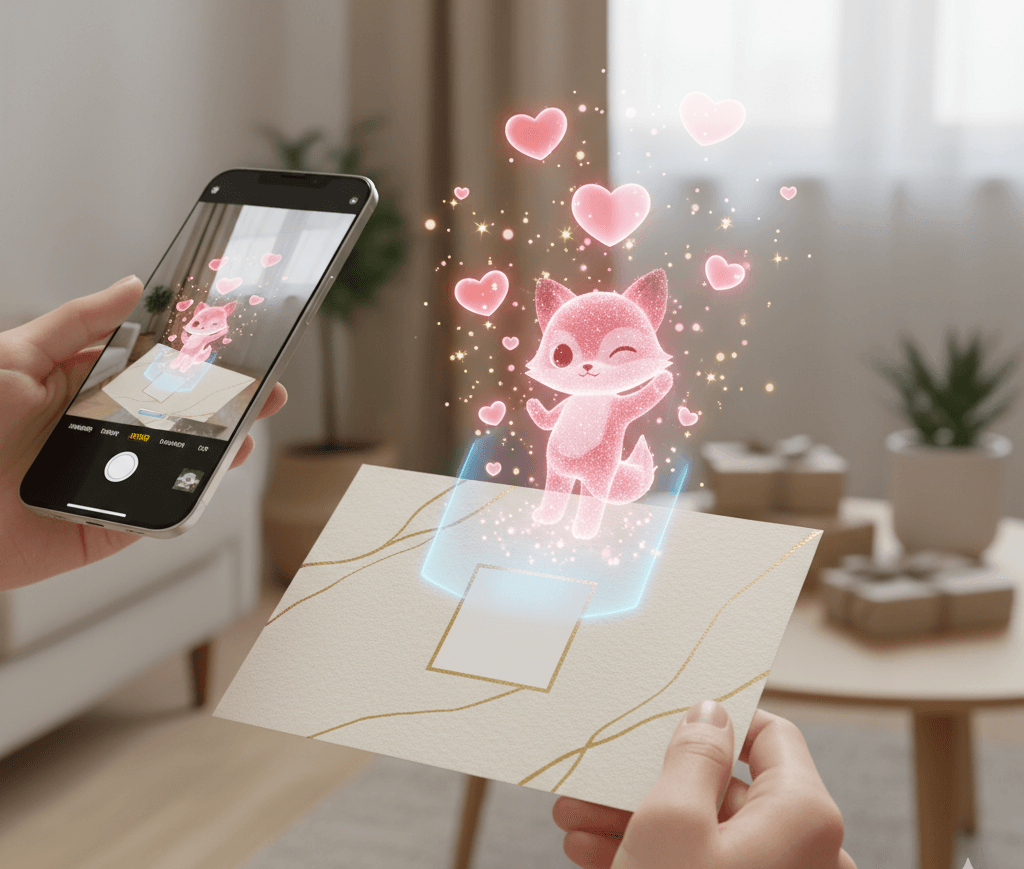
A printed card is scanned with a smartphone, which launches an AR camera that displays the digital content overlayed onto the physical card in real time.
- A physical card is printed with a visual marker or QR code.
- The user scans the QR using a smartphone.
- Once the AR camera is open, place the camera facing the image imbedded with 3D scenes.
- The digital content overlays the card viewed through the screen.
- The user interacts with the videos, animations, links, characters and other 3D objects.
Use cases of AR Cards:
AR cards are used across business and personal contexts to bypass the limitations of traditional print.
Types AR Cards For Business Intent:
AR flyers: Let you transform traditional flyers into an interactive experience where users can test products in their home before making the purchase.
AR Games: Let you add games that can be played using any image for creative marketing campaigns.
AR Promo Cards: Let you embed offers, discounts, contact info to boost engagement and conversions.
AR packaging: Lets you add interactive layers to product boxes, enables tutorials, brand stories
AR training manuals: Training manuals that can be overlaid with step by step instructions, animations and 3D demos onto printed guides to simplify learning
Types AR Cards For personal intent:
AR greeting Cards: A 3D card that lets express much more than a regular card by adding videos, voice messages, music, animations and more.
AR event & party Invites: 3D invites that become the trailer of the party with dynamic visuals, RSVP link, and other information.
AR collectibles: 3D collectibles that unlock digital stories, character animations, or exclusive content.
AR business cards: 3D cards that let you turn your profile interactive, add your portfolio, contact information and related links.
Key Benefits of Augmented Reality Cards?
AR cards improve engagement, conversion rate, understanding and decision making by combining the advantages of both digital and physical content. Augmented reality for print has some unique advantages for both businesses and personal use
For Businesses:
Print Powered by augmented reality offers capabilities that traditional print cannot match. For example, a regular flyer is limited to a static image and tightly packed text. Which often forces users to imagine details like size, fit or functionality on their own. AR Flyers remove this guesswork by allowing users to view products in 3D, check, scale, colors, and aesthetics in their real environment using a smartphone. Instead of manually dialing or searching for the company, users can explore related products, access offers, and place orders directly from the AR display. Even in its early stage, augmented Reality transforms flyers into interactive tools that educate, compare options, guide decisions, and lead users without restrictions.
Example: AR flyer vs Regular Flyer (comparison)
The table below highlights the practical differences between a regular flyer and AR Flyer.
| Features | Regular Flyer | AR Flyer |
|---|---|---|
| Product View | Static image | 3D view and interactive Story |
| Size & Fit | Guesswork using measurements | True to scale placement |
| Audio | None | Optional |
| Information | Limited | Visual, step by step guidance |
| Product options | Limited Design Space | 3X Design space |
| Ease of Use | Easy | Needs time to get used to |
| Purchase Process | Requires effort and Manual | Direct and fast |
| User Engagement | Low | High |
Compared to a regular flyer, AR offers richer information, faster purchase paths, and interactive storytelling
For consumers:
For this one we can take AR greeting cards as an example. Have you ever gone to a store and wondered why the cards are so generic? It's not just you, It's by design. Companies need to make generic cards to sell as many as possible. What if you could type your message after you bought the card or add pictures, leave voice notes, choose music and have characters dance to it?]These 3D greetings can be hyper personalized and not just visually. You can even create them at home. A card where you can express exactly what you want to convey to your loved one. AR greeting cards are especially popular for birthdays, anniversaries, weddings, and long-distance relationships where personalization matters.
Regular cards vs AR Greeting cards (Comparison)
The table below highlights the practical differences between Traditional greeting cards and AR greeting cards.
| Features | Traditional Greeting Cards | AR Greeting Cards |
|---|---|---|
| Experience | Static 2D | 3D Experience |
| Engagement | Short, Passive | High, interactive |
| Type | Text and images | Videos, Animations, Audio and links |
| Impact | Limited | Strong |
| Audio | None | Optional |
| Animation | Only in E-cards | Customisable |
| Interactivity | None | Tap, play, explore |
| Personlization | Before purchase | Before and After purchase |
| Cost | Relatively low | Premium |
AR greetings outperform regular cards by offering interactive, multimedia experiences that can be updated after purchase.
WebAR vs App-Based AR Cards
Choosing between WebAR and App-based-AR depends on how quickly you want users to access the experience.
When using Augmented Reality, the main decision is whether to use a WebAR tools or App-based-AR ones for your project. As the names suggest, either the experiences can be built and viewed over a web browser or an Application.
App-based-AR are used for more advanced, persistent and feature heavy experiences but require users to go through the friction that apps generally face converting users. These are better suited for AR games, complex interactions and long term engagement
WebAR has relatively low friction and has a wider reach. Although, WebAR lacks the capability of accommodating heavy, advanced and complex experiences, the low- friction approach makes WebAR ideal for flyers, invites, greeting cards and short term marking collaterals.
In simple terms: If your goal is instant access and mass adoption, WebAR is a better choice. If you need Advanced features and repeat usages, App-based-AR should benefit in the long run.
WebAR vs App-based-AR (Comparison)
| Feature | WebAR | App based AR |
|---|---|---|
| Accessibility | Browser | Requires App download |
| User friction | Instant | Slower (installation) |
| Best for | Broader, short term | Specialized, long term |
| Setup cost | Low | High |
| Features | Limited, simple | Limited, simple |
| Infrastructure setup time | Low | High |
WebAR offers quick, browser-based access with low friction, while app-based AR provides deeper features at the cost of setup time.
Here is a little tutorial to get you started with WebAR:
Web-based tools you can use to create AR cards
Best for WebAR reach: MyWebAR
Lets you create and publish immersive browser based augmented reality experiences.
Best for print & design: Overly
Creator focused, simple, affordable AR projects that work with print media and basic design content
Best for enterprise marketing: Blippbuilder
Powerful AR creation tool and collaborative workflow ideal for enterprise marketing and cross platform campaigns
Best for product visualization: UniteAR
Enables interactive product demos, custom apps, and WebAR for ecommerce and branding
Best for product visualization: ARcode
A SaaS AR solution that uses AR QR Codes to showcase 3D product models in immersive augmented reality to boost engagement and sales.
Best for AR cards: Enipp
A dedicated AR platform designed for creating interactive augmented reality cards and print experiences.
Best no-code flexibility: PlugXR
A full-feature no-code AR/VR/XR platform for building immersive experiences across devices without technical skills.
Best for beginners: Kivicube
A beginner-friendly WebAR tool with templates and drag-and-drop editing that makes creating AR simple and intuitive.
Frequently Asked Questions
No, AR cards do not always need an app to work. AR cards built using WebAR, which opens the experience directly in a mobile browser after scanning the QR code or an image trigger.
Yes, AR cards can be updated even after the QR is generated and printed on a physical sheet. The experience is bound by the URL and changes like videos,3D elements, links can be modified without regenerating the QR code.
An Image trigger is a physical image such as a graphic, photo, poster or an illustration with unique vectors that AR systems use to anchor Digital overlays.
Yes, AR cards can play audio, music, or voice recordings as part of the AR experience
Many AR platforms let you update or rotate different AR scenes over time using the same trigger or QR code, so the card can show different content without reprinting but it's not an efficient method.
Some app-based AR experiences may work offline after installation, but browser-based AR typically needs an internet connection to load the content.
Similar Posts

Valentines Day Cards Printable: Cute, Funny & Meaningful Options

Valentines Day Basket Ideas: Thoughtful Gift Baskets for Every Personality

Valentine’s Date Ideas 2026: Romantic & Thoughtful Ideas for Every Personality

Valentine Week 2026: Complete Valentine Day List

Self Care Gift Package Ideas that Relieve Stress and Bring Comfort

Budget-Friendly Last-Minute Anniversary Gifts for Her

Last Minute Valentine’s Day Gifts for Him and Her (Budget edition)
20 Funny Birthday Wishes for Brother (Reddit’s Best Picks)

Best Budget Last Minute Anniversary Gifts for Him (That Don’t Feel Rushed)
Secret Santa Gift Ideas for Coworkers: Under $20 (That Don’t Suck!)
What are Augmented Reality Cards and how are they transforming Greeting cards and Invitations