
Smart Glasses or AR Glasses: Features, Uses and Which to choose (2026)
Published on 11/19/2025
Introduction
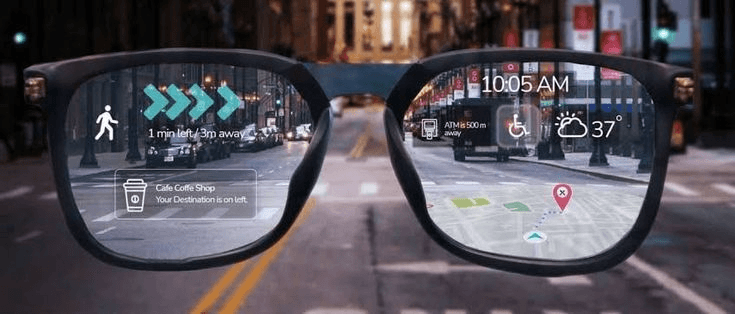
The two categories often confuse people due to their similar physical nature. Though on the surface they may look similar but their technology, purpose, and experience diverge significantly.
We are here to help explain the fundamental differences to make your life a little easier. This article breaks down each category, highlights its use cases, and helps you decide which one to choose.
What are Smart Glasses?
Smart glasses, in easy terms, just enhance your everyday life by adding digital features. They are basically a mobile phone on your face so we can avoid the disruption called reality for the 2 minutes when you don't check your phone(who wants that). You can make phone calls, access apps, take pictures, use AI, use navigation, and more. These functionalities aren't a package deal, though they depend on the smart glasses you choose.
What they are Best for
- Listening to music while walking
- Taking phone calls without reaching your phone
- Getting navigation prompts
- Quick access to the AI, camera, and other basic apps
- Task management and receiving notifications of important matters
Example Products:
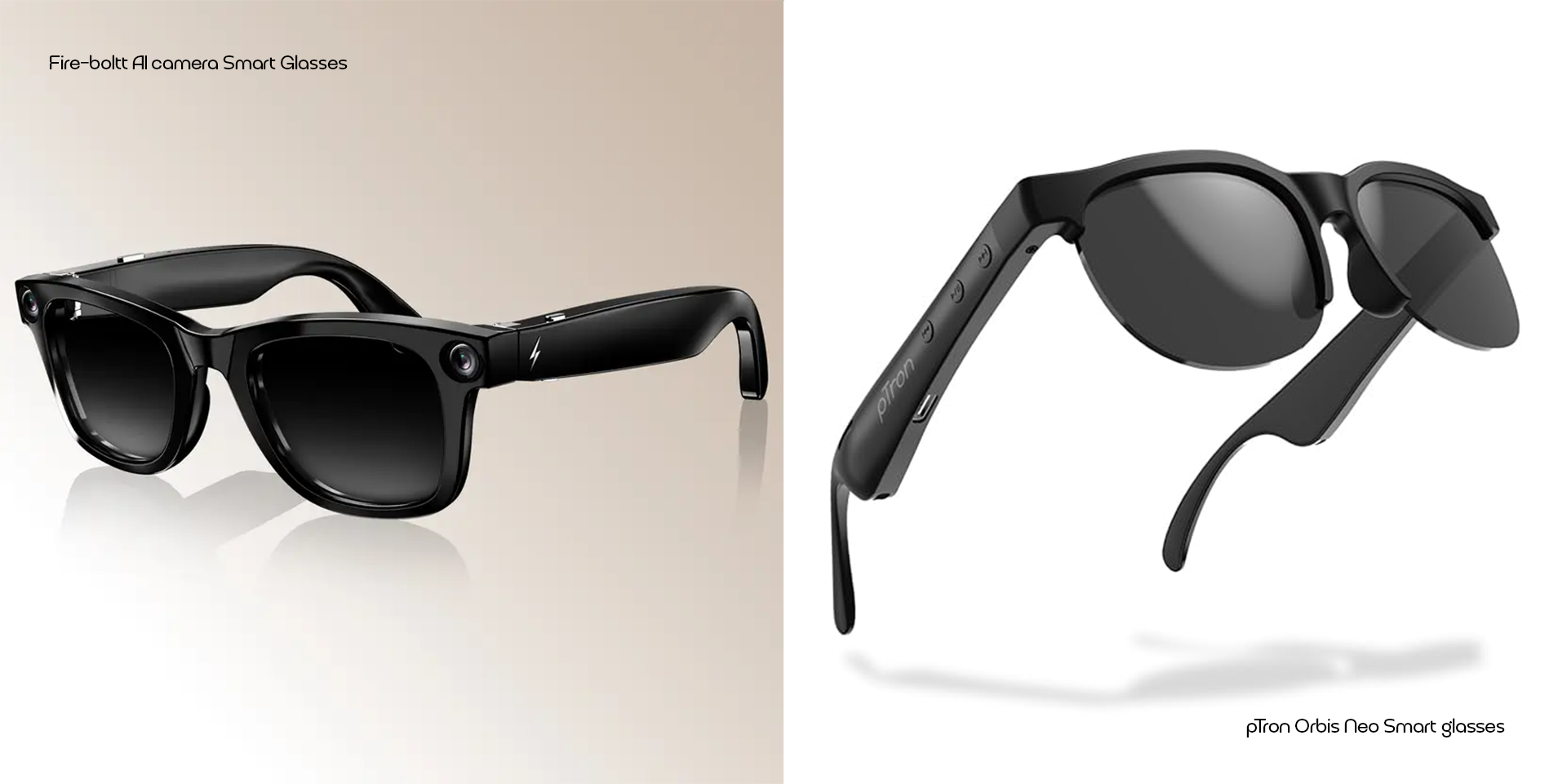
- Fire-boltt AI camera Smart Glasses
- pTron Orbis Neo Smart glasses
What are AR glasses:
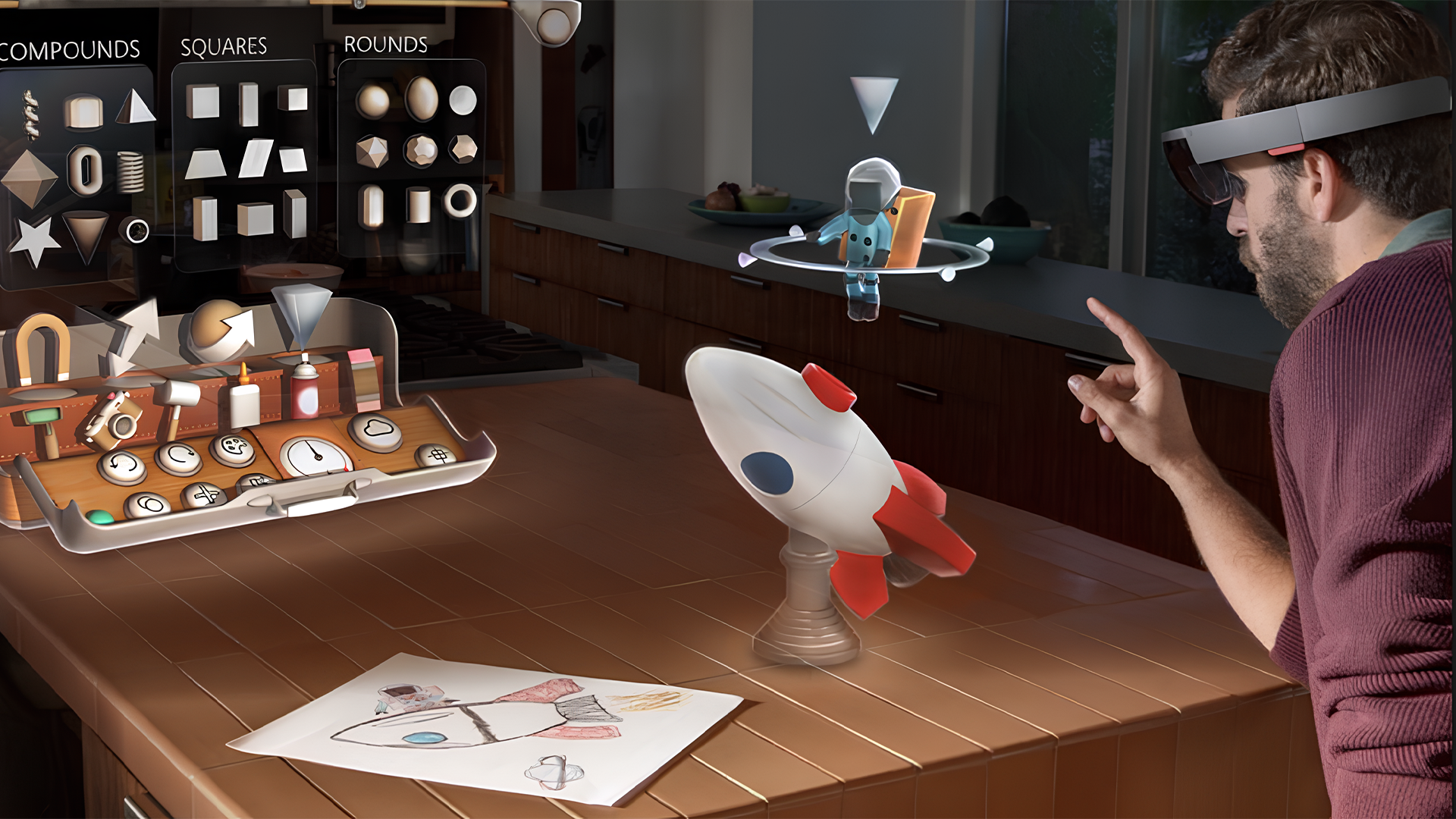
AR glasses (Augmented reality glasses) overlay 3D content directly onto the real world you’re seeing. In easier terms, you probably have heard about Pokémon Go or the AR doodle app on Samsung. They use augmented reality to let you doodle in the air or catch those little creatures so you can, I guess, flex. They are spatial devices that insert 3D objects, images, videos, or interfaces, changing your reality.
What they are best for
- Navigation with 3D directions
- Interactive gaming and entertainment
- Learning, training floating and work where digital instructions overlay help you complete a task
- Floating workspace that uses hand gestures
Example Products:
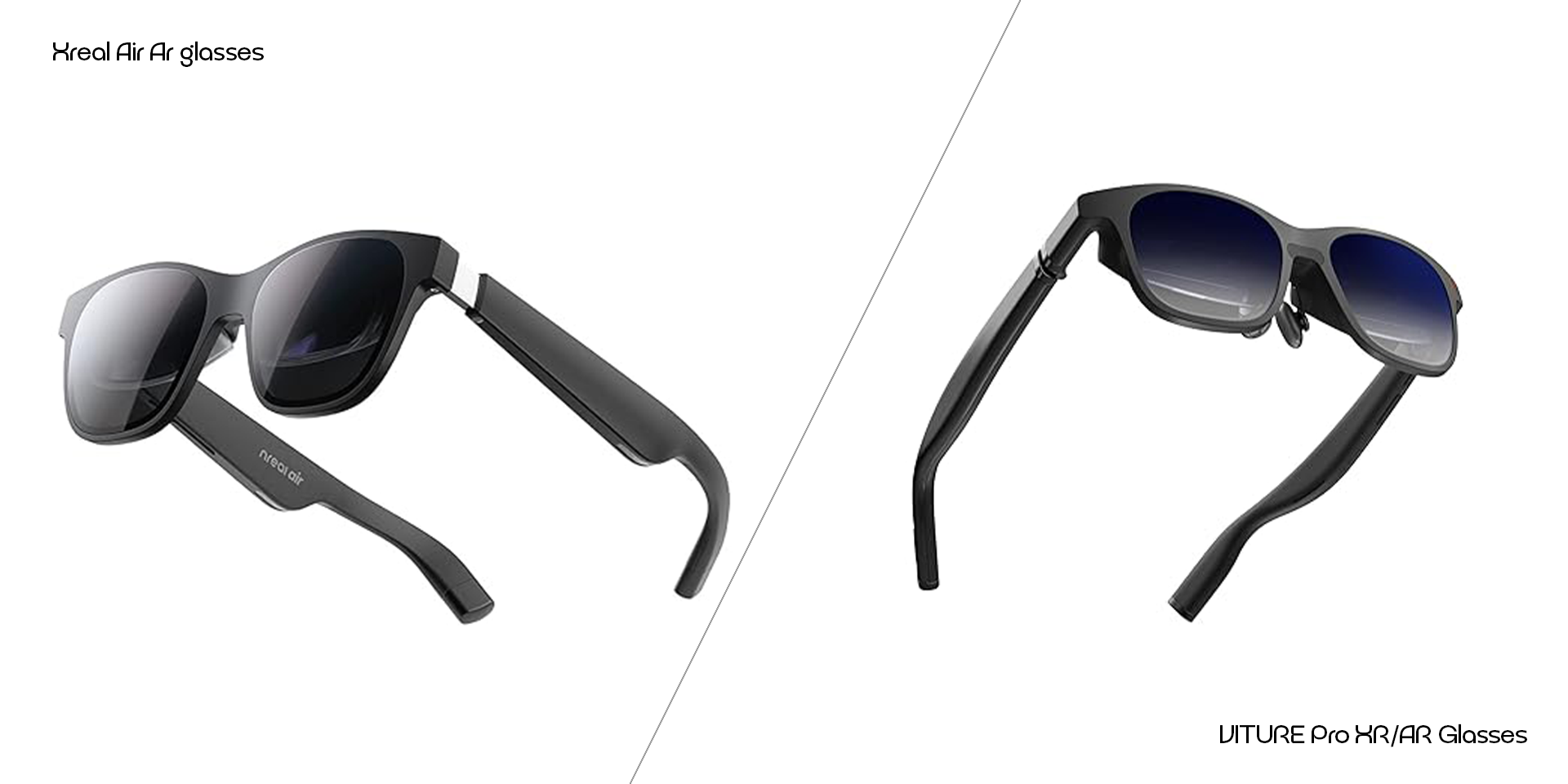
- Xreal Air glasses
- VITURE Pro XR/AR Glasses
Key differences: Smart Glasses VS AR Glasses
Display:
Smart Glasses: Minimal or sometimes no display overlay, audio/notification bases
AR Glasses: Advanced displays projecting virtual displays into your vision (Pluto)
Controls:
Smart Glasses: touch panels, voice commands, physical buttons
AR Glasses: Eye/gesture tracking, spatial controls, possibly voice and AI integration (Grepow)
Power & Battery:
Smart glasses: Lower power requirements - longer battery life
AR glasses: Higher power demand due to displays, sensors, tracking - shorter battery life
Use-case
Smart glasses: Everyday lifestyle, convenient, casual use
AR glasses: Immersive entertainment, education, work ( XR today )
Price & market position
Smart Glasses: Generally more affordable, mainstream-ready
AR glasses: Expensive, still emerging, niche
Future Trends:
The gap between smart glasses, AI glasses and AR glasses is narrowing. Smart and AI glasses are gaining display features: AR glasses are becoming lighter and more affordable. (Viewpoint)
Display tech (diffractive waveguides, micro LEDs) and sensors( eye tracking, gesture control) are advancing rapidly.(ARIV)
Wearables integrating AI are becoming more common and expanding their features
Use cases beyond consumer: enterprise, healthcare, and manufacturing are adopting AR glasses for training, remote assistance, and digital overlays. (Pluto)
Should you choose smart glasses or AR glasses
In essence, Smart glasses and AR glasses aren't the same even though they might look similar on the surface. Before purchasing, consider your needs, budget, ecosystem and desired experience. Go smart if you want an extension of your phone's functionality or go AR if you want to bend your reality(I know it's a stretch, but you get the point).
Similar Posts

Valentines Day Cards Printable: Cute, Funny & Meaningful Options

Valentines Day Basket Ideas: Thoughtful Gift Baskets for Every Personality

Valentine’s Date Ideas 2026: Romantic & Thoughtful Ideas for Every Personality

Valentine Week 2026: Complete Valentine Day List

Augmented Reality Cards (AR Cards): What They Are, How They Work + Exampless

Self Care Gift Package Ideas that Relieve Stress and Bring Comfort

Budget-Friendly Last-Minute Anniversary Gifts for Her

Last Minute Valentine’s Day Gifts for Him and Her (Budget edition)

20 Funny Birthday Wishes for Brother (Reddit’s Best Picks)

Best Budget Last Minute Anniversary Gifts for Him (That Don’t Feel Rushed)

Secret Santa Gift Ideas for Coworkers: Under $20 (That Don’t Suck!)